Products & platforms
Tempo
One board for the people and the coding agents doing the work
Tempo is a task board where a team and its AI coding agents see the same work: what needs doing, who has it, and what comes next. I built it so that handing a task to an agent is as visible and as safe as handing it to a colleague.
- My part
- Product direction and engineering
- Status
- In development, not yet published
- Stack
- TypeScript, Next.js, Supabase
- Since
- 2026
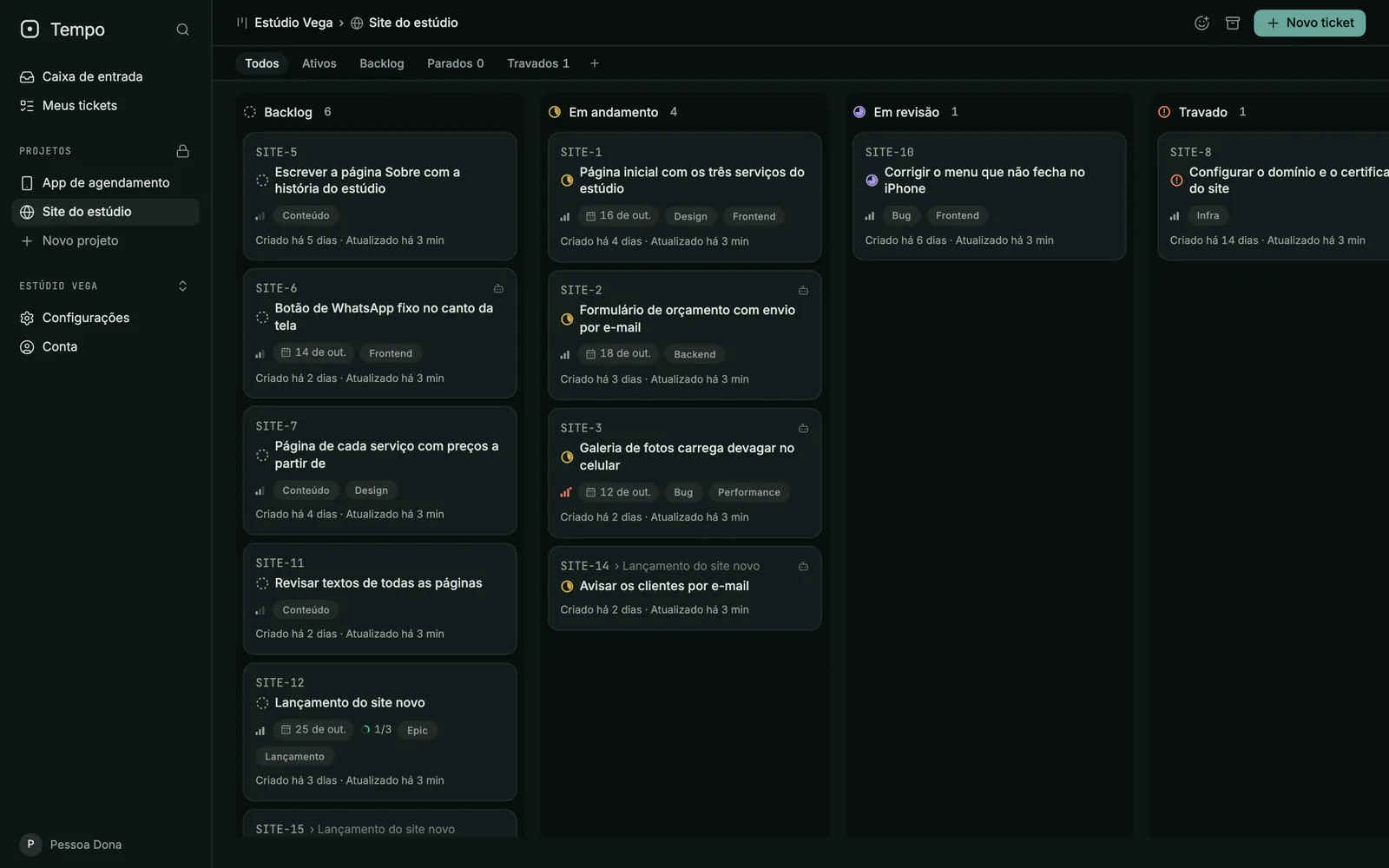
What Tempo is
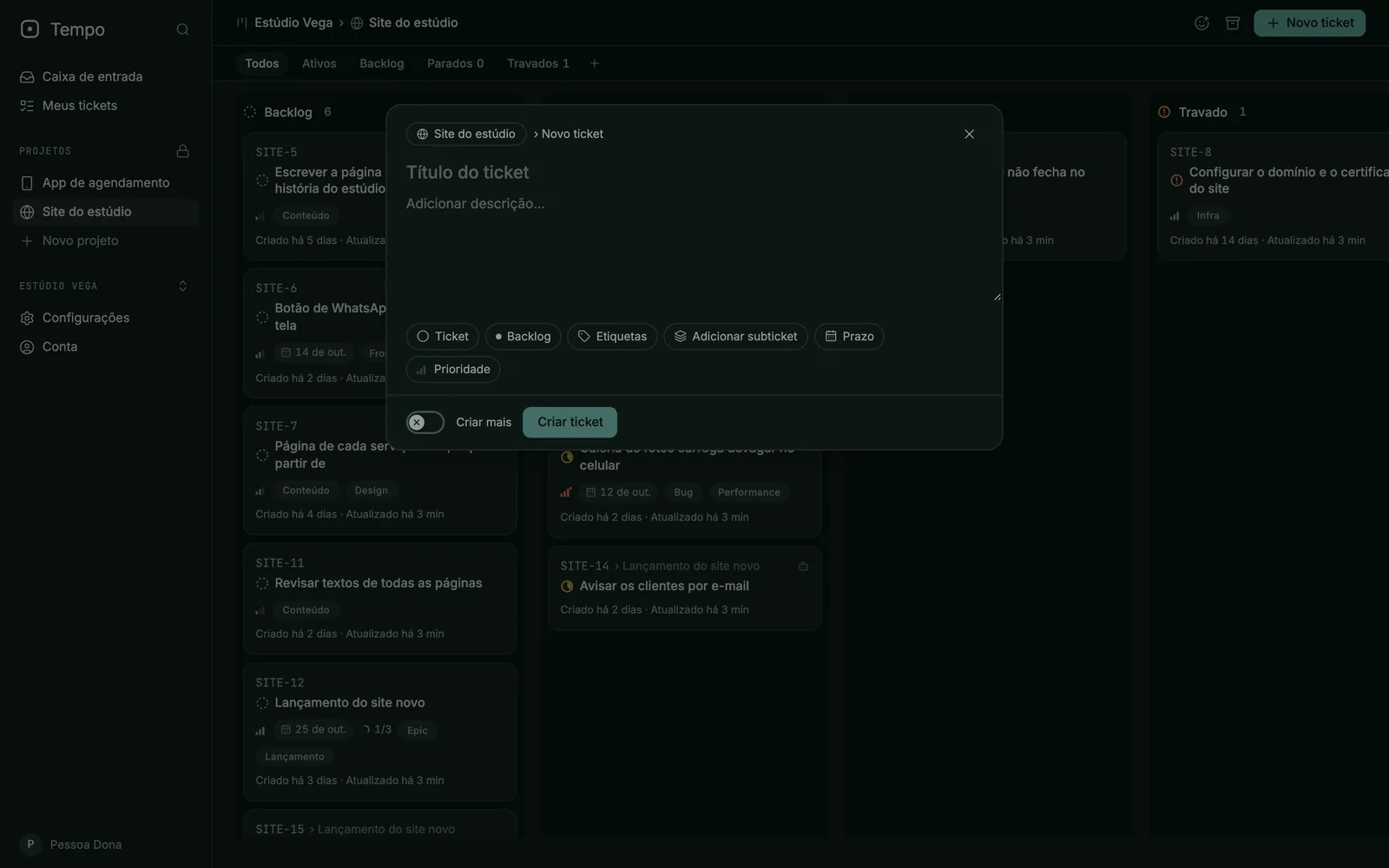
Tempo keeps a team’s work as tickets on a board. Each workspace holds its projects, each project has its own board, and every ticket gets a short key such as SITE-3 that people and agents can quote anywhere. A ticket carries its state, priority, due date, labels and a written description.
What makes Tempo different from an ordinary task board is who sits at the table. The same ticket can be written by a person, picked up by a coding agent, reviewed by a person and closed by either. Tempo records the work; the tools that run the agents do the executing.
Who it is for
I made Tempo for small teams and solo founders who already hand part of their work to coding agents such as Claude Code or Codex. The moment an agent starts picking up tasks, the usual questions get harder: is this task ready to be worked on without a person in the loop, who has it right now, and what happened while I was away? Tempo answers them in one place.
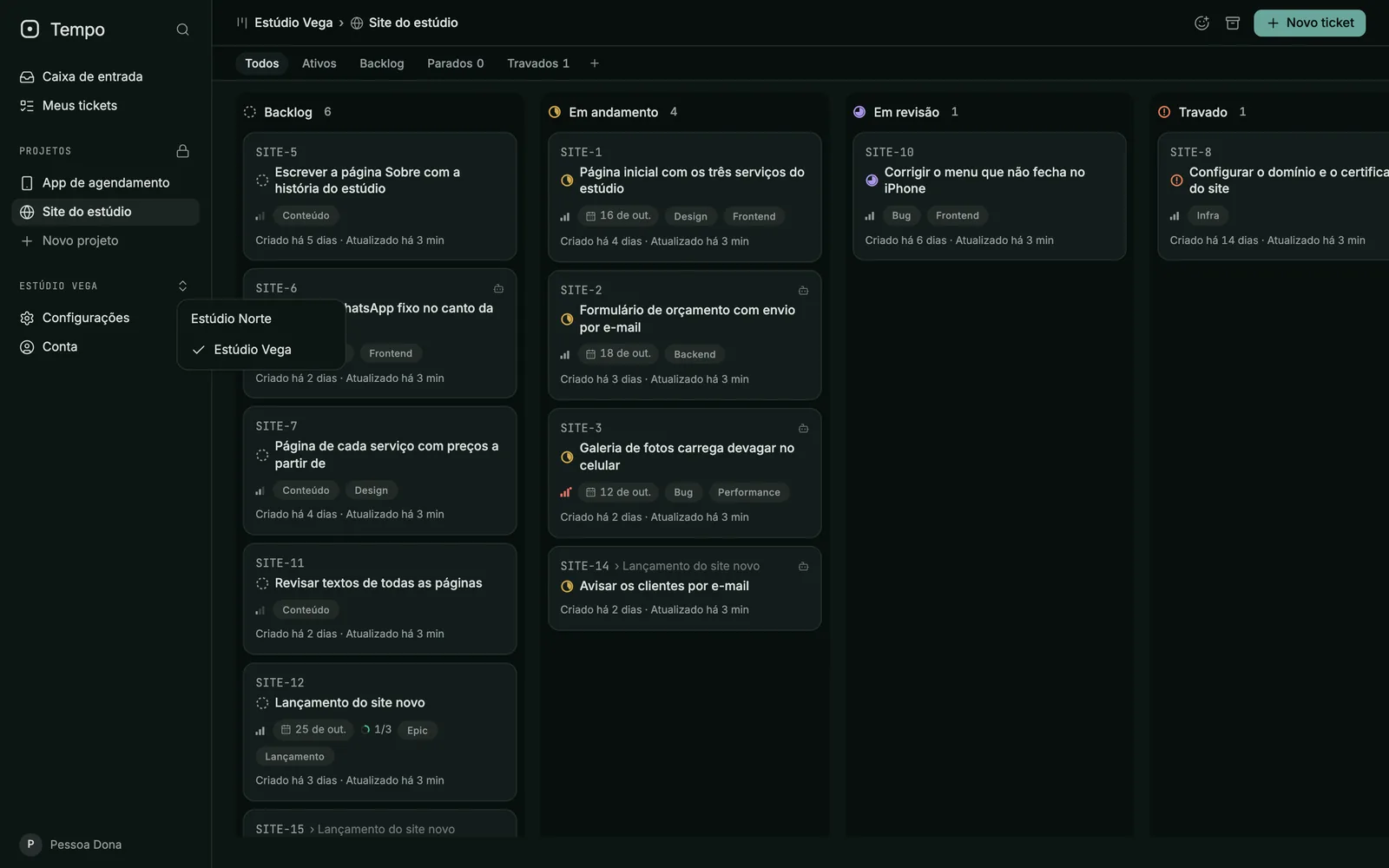
- Workspaces keep each company’s projects and people apart, and a person who belongs to several switches from the sidebar.
- Projects have their own boards, columns and ticket keys.
- People are owners or members; owners manage the workspace itself.
The board and the tickets
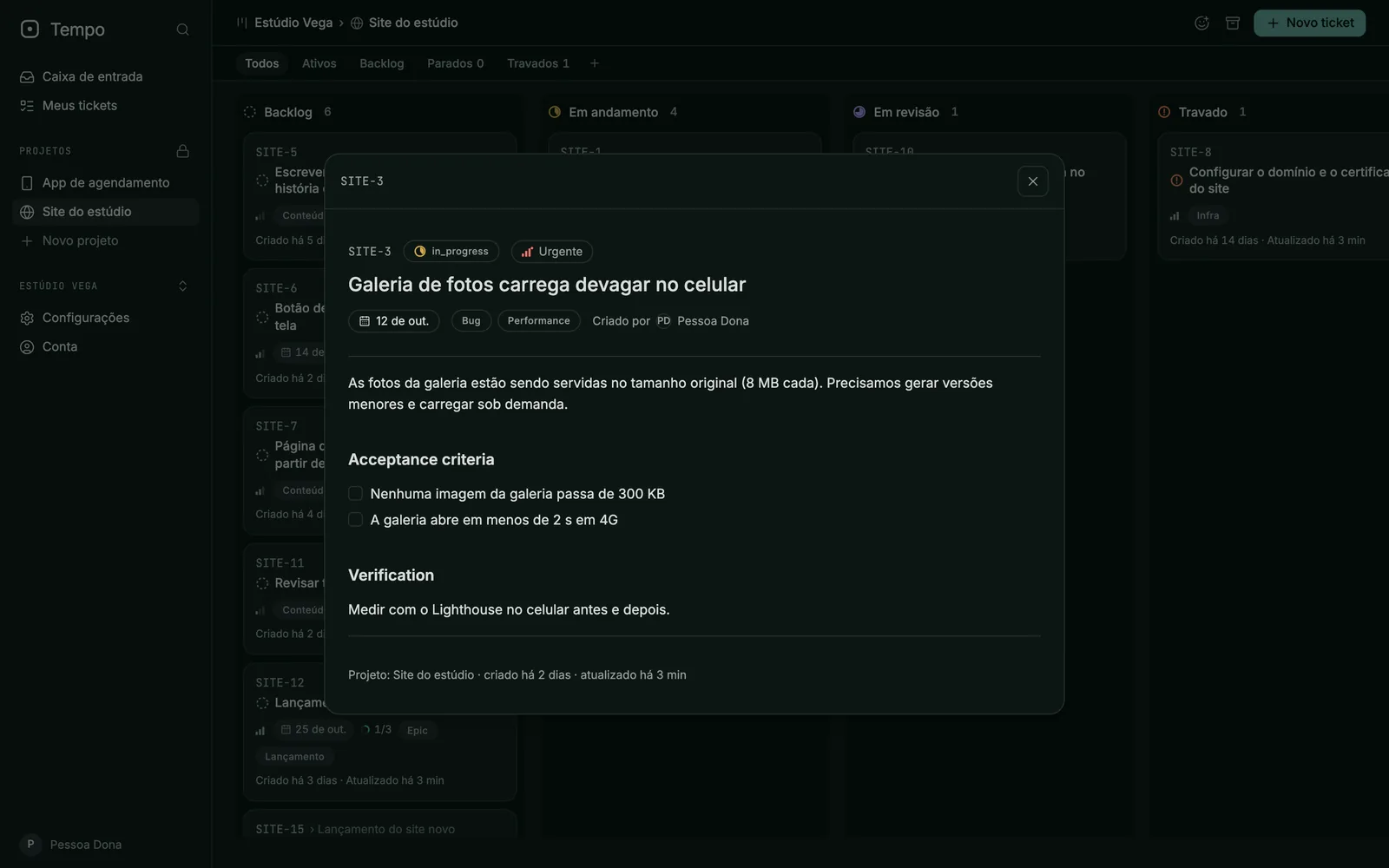
A board starts with six columns: Backlog, In progress, In review, Stuck, Done and Discarded. Filters along the top narrow it to active work, the backlog, or tickets that have gone quiet for too long. Clicking a card opens the ticket over the board, so you never lose your place.
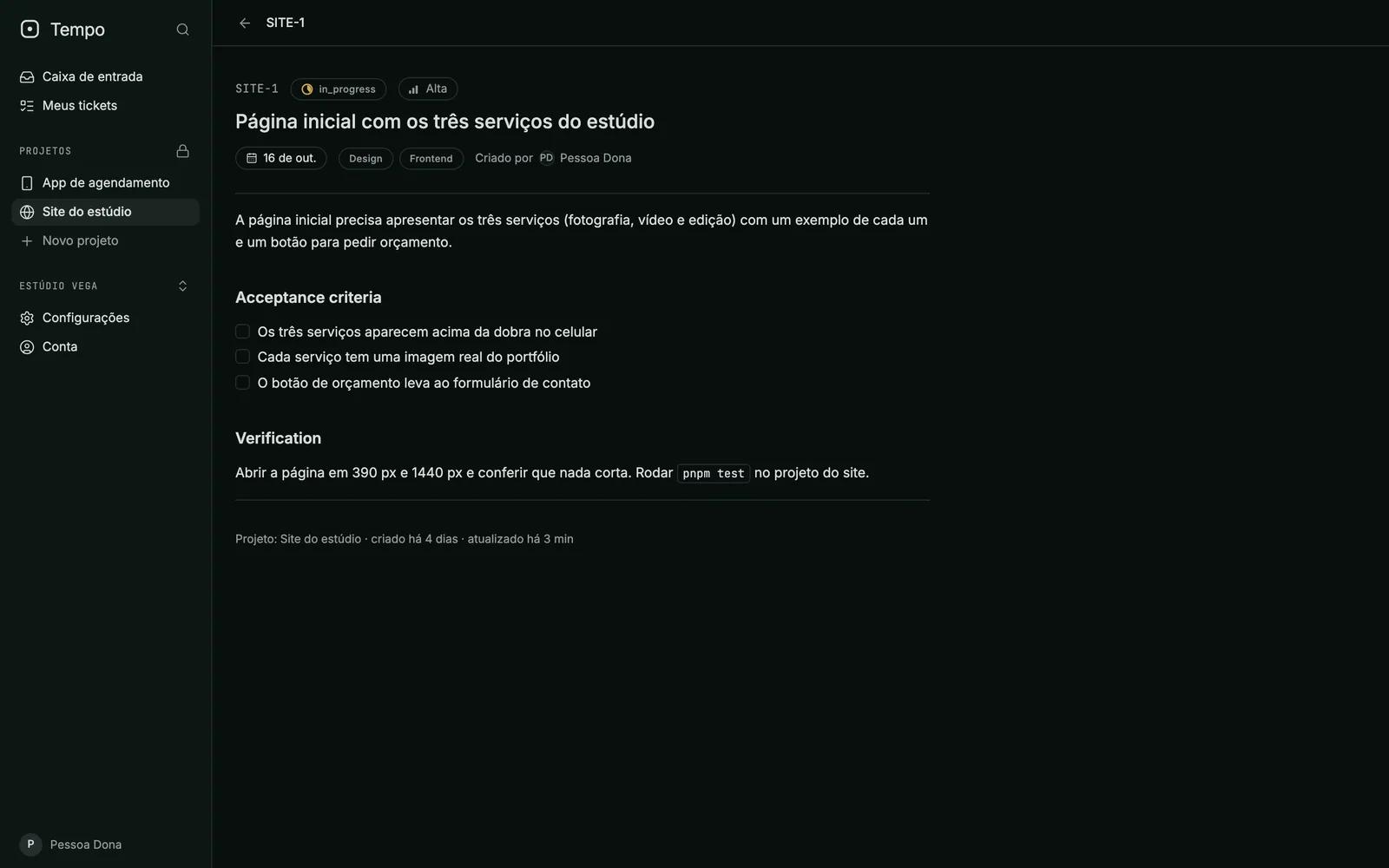
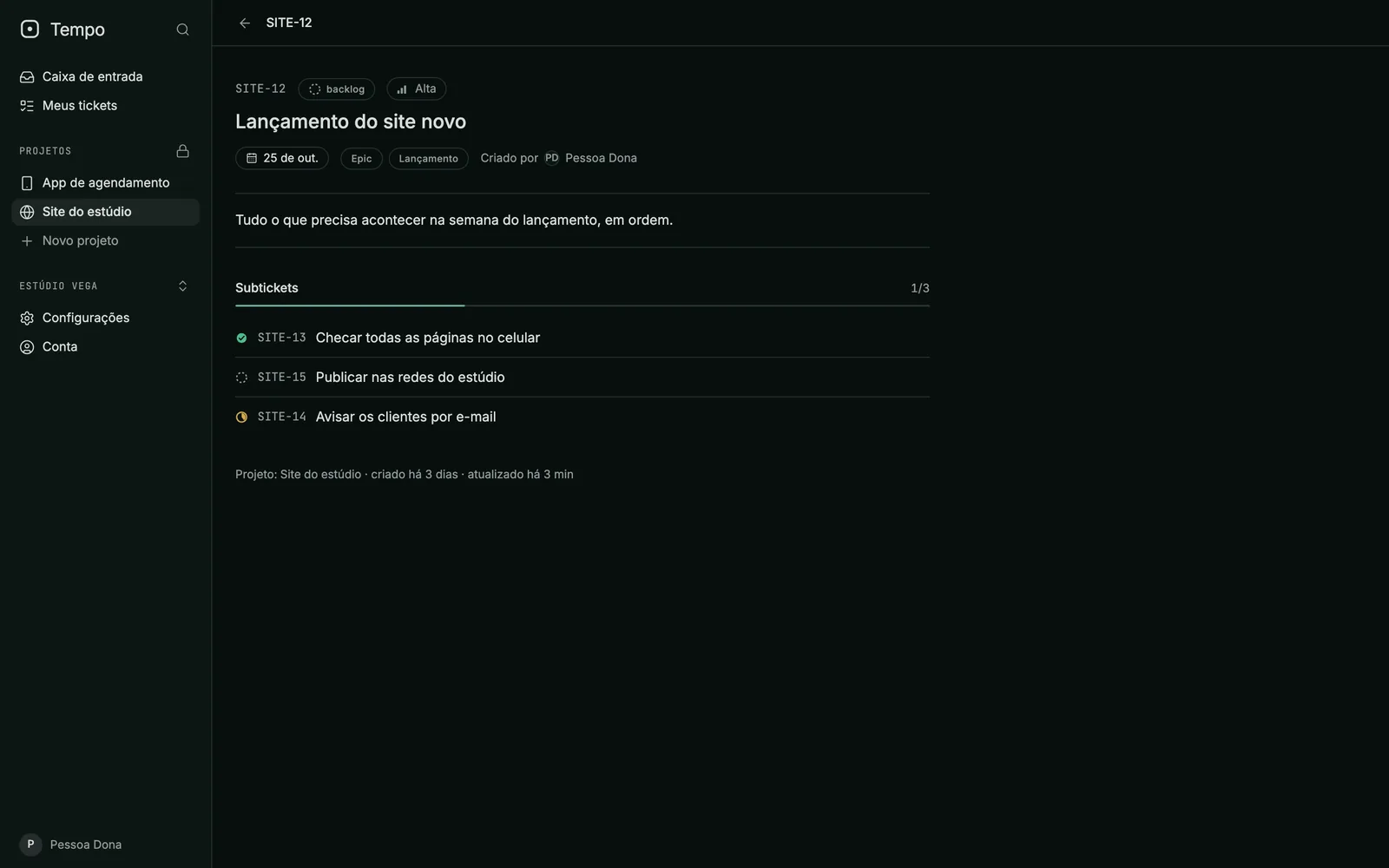
A ticket is more than a title. Its description can carry acceptance criteria and a way to verify the result, written as a plain checklist. Larger pieces of work become an epic with subtickets, and the card shows how many of them are done.
Ready for an agent
The idea at the centre of Tempo is that not every ticket is ready to be handed to an agent. Every ticket carries a triage status: it still needs triage, it needs more information, it is ready for an agent, it is ready for a person, or it will not be done. A ticket only becomes ready for an agent when its description passes a simple readiness check: acceptance criteria, a way to verify the result, and no placeholders left behind.
From there the design is straightforward. Agents are named identities with their own credentials, and a person decides, workspace by workspace, what each agent may read or change. An agent asks Tempo for the next ready ticket, claims it for a limited time, posts progress and releases it with a reason, and every change is written down in order, so another system can follow what happened. The ticket screens and the readiness check exist today; credentials, claims and that record are specified and are the next pieces of work.
- Triage is a field on the ticket, not a convention people have to remember.
- Claims expire on their own, so a crashed agent never blocks a ticket for good.
- Permissions for agents are only ever edited by a signed-in person.
People and access
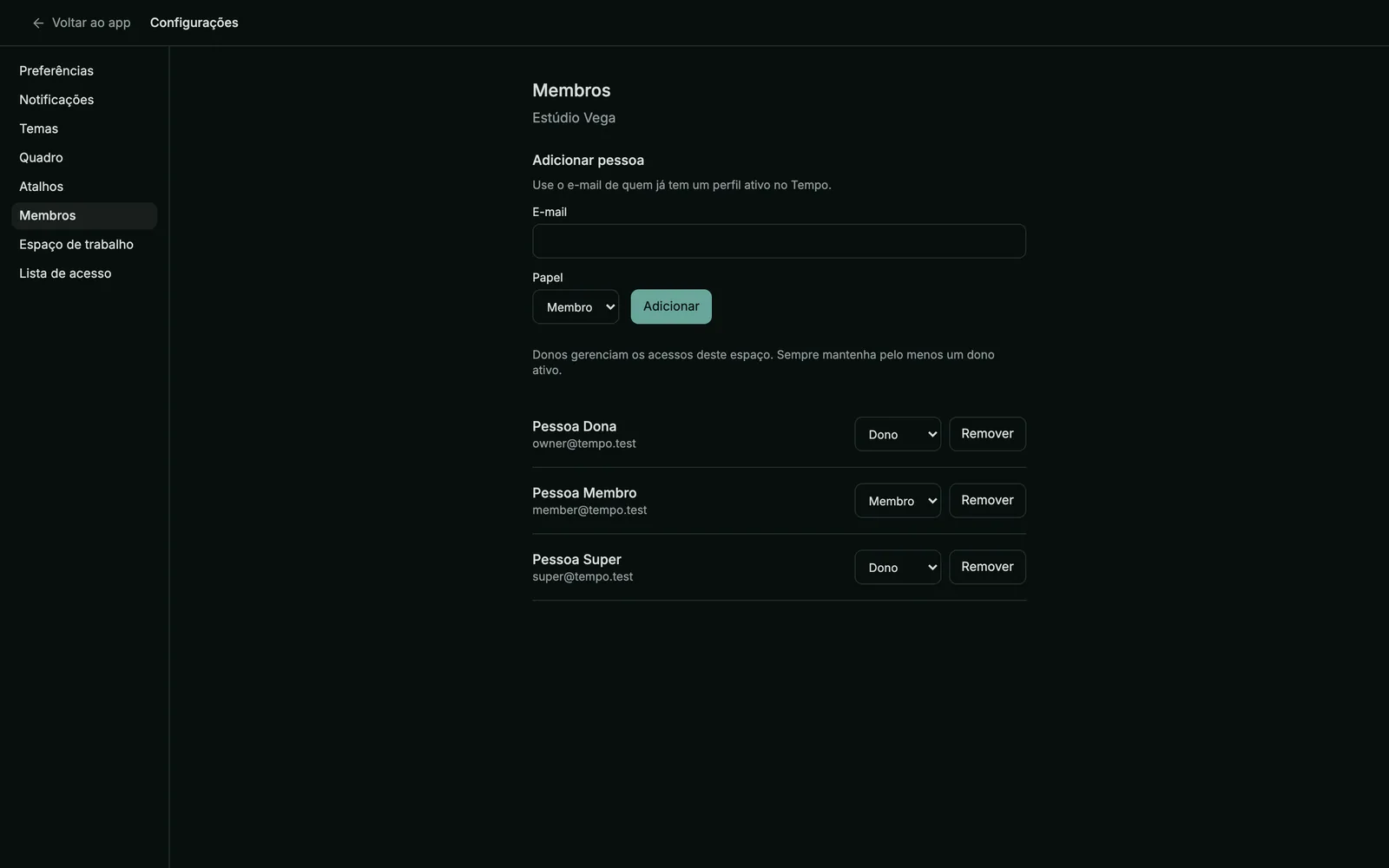
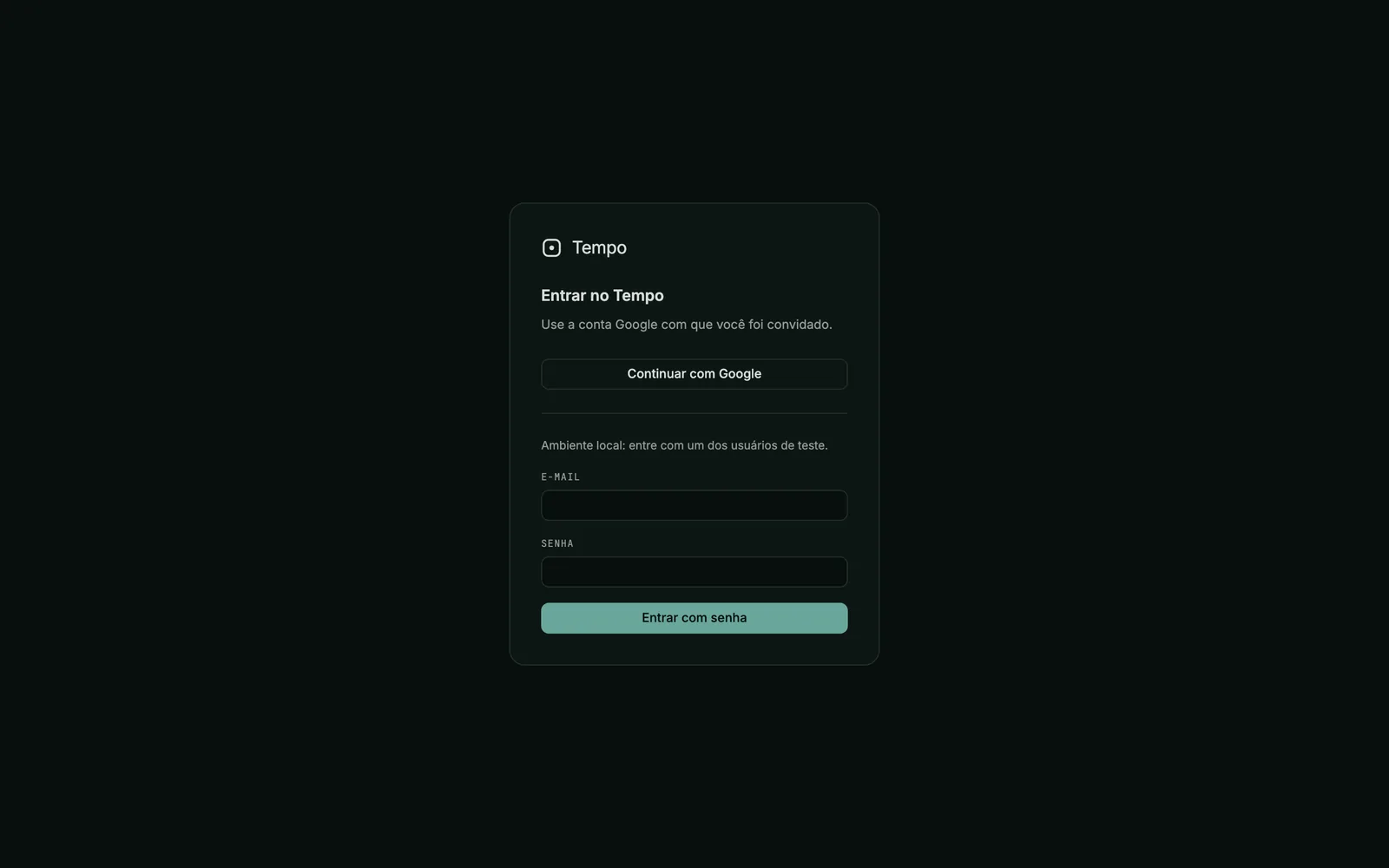
Signing in is by Google account only, and only accounts on an invite list can get in at all. Inside, a workspace owner adds people by email, sets their role and removes them when they leave; a member works on everything in the workspace but cannot change who belongs to it. Underneath, every workspace is isolated by the database itself: a signed-in person can only read and write the workspaces they belong to, and every change goes through one checked path that records who did it.
My part, and the pair with Anima
Tempo grew out of a ticketing foundation I had created earlier. I decided what to keep, what to cut and what the independent product should be: several workspaces instead of one team, Google sign-in, a small hosted deployment, and a stable contract for agents that other tools can build on. I moved it onto Supabase and Postgres, wrote the rules the database enforces, rebuilt the screens on a typed data layer and set up the database, unit and browser test suites. Coding agents do a good part of the typing under my direction and review, which is exactly the way of working Tempo exists to support.
Tempo is one half of a pair. Anima, my hub for running several companies, keeps the clients, the projects and the people; Tempo keeps the day-to-day work attached to each project. The two connect only through Tempo’s API, so either product stays useful on its own. That contract is written; the live connection is not built yet.
Where it stands
Today Tempo runs on my machine with real data: sign-in with the invite list, workspaces with owners and members, projects with boards, and tickets with keys, descriptions, labels, priorities, due dates and subtickets, in light and dark modes. The screens here show a fictional studio’s workspace.
Next come editing and moving tickets on the board, comments, the triage actions, agent credentials and claims, the record of changes, notifications sent to Anima and the final visual identity. A hosted deployment comes last. Nothing is published yet, and I will not call it available before those pieces are in.
More screens
Next project